Themes
MXroute Manager ships with 12 color themes: seven dark and five light. Each theme restyles the login screen, sidebar, cards, buttons, and accents across the whole app.
Your choice is saved in the browser (localStorage) per device. Delegated users can pick their own theme without affecting anyone else.
Change theme anytime under Settings, at the bottom of the page.
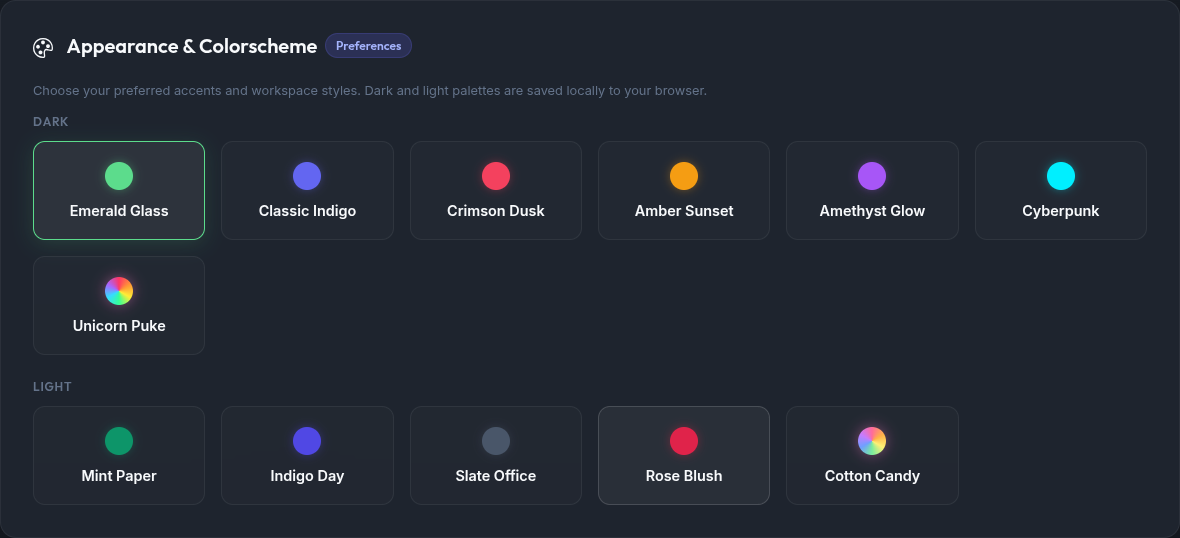
Login screen
The login page has two tabs: Sign In (local admin or OIDC) and Reset Mailbox Password (self-service mailbox reset when enabled). Below is how each theme looks on both tabs.
Dark themes
Emerald Glass (emerald)
Default dark theme. Green accents on a deep glass-style background.
Sign In
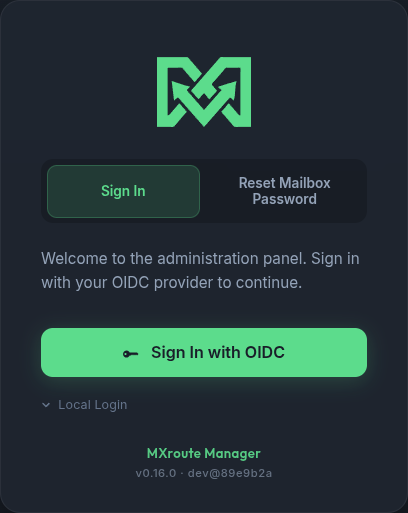
Reset Mailbox Password
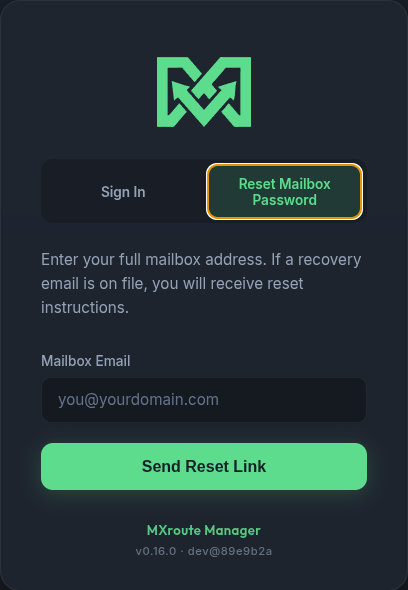
Classic Indigo (indigo)
Blue-violet accents, similar density to Emerald but cooler tones.
Sign In
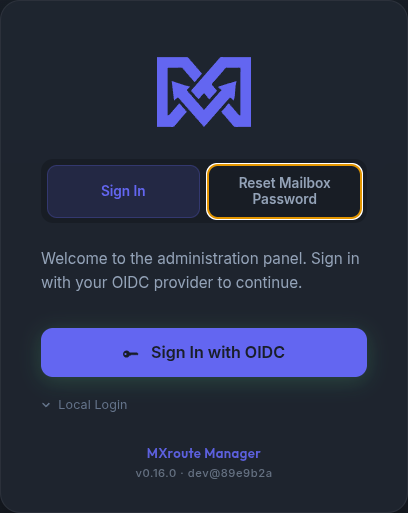
Reset Mailbox Password
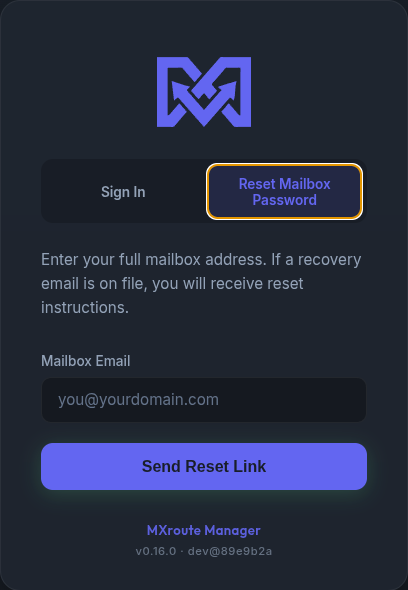
Crimson Dusk (crimson)
Rose-red accents on dark surfaces.
Sign In
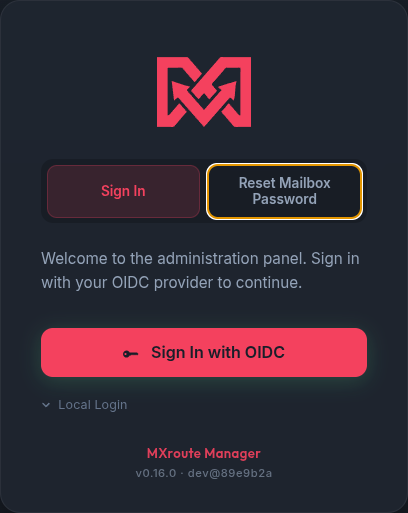
Reset Mailbox Password
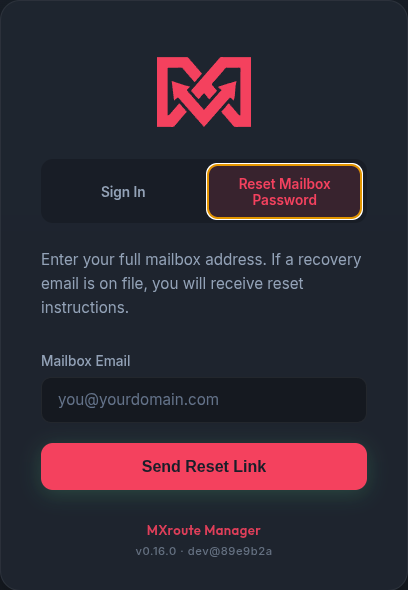
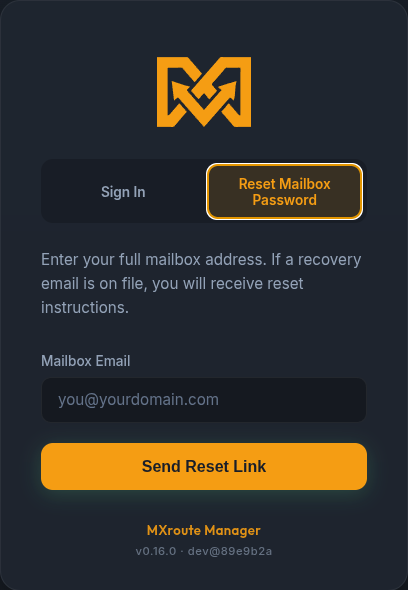
Amber Sunset (amber)
Warm gold and orange highlights.
Sign In
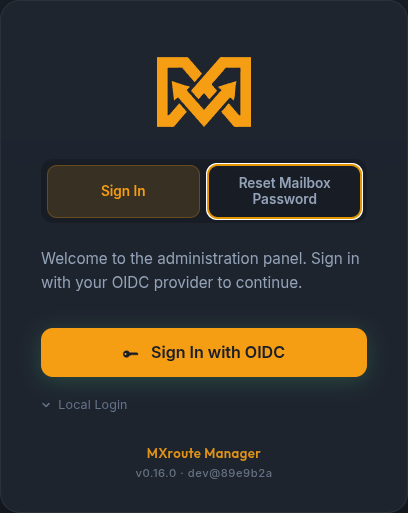
Reset Mailbox Password
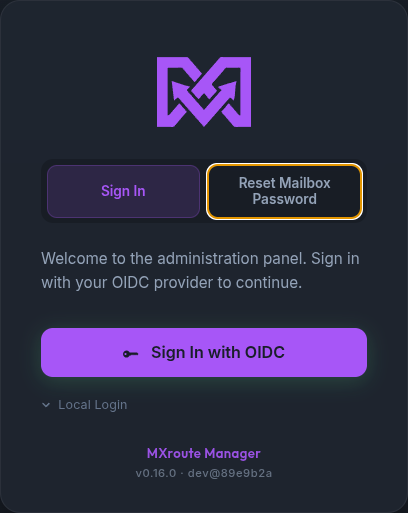
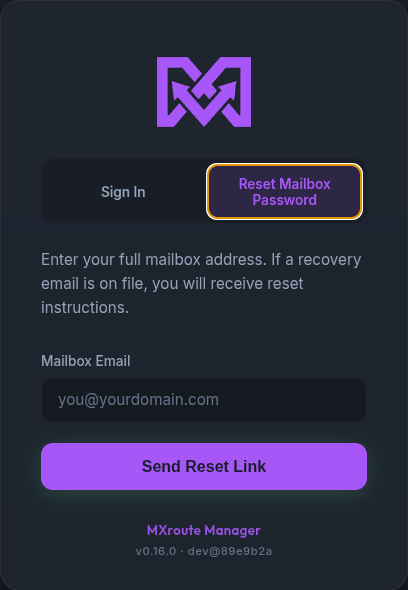
Amethyst Glow (amethyst)
Purple accents with a soft glow on interactive elements.
Sign In
Reset Mailbox Password
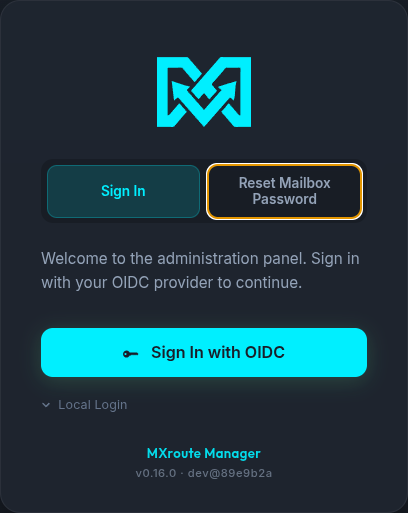
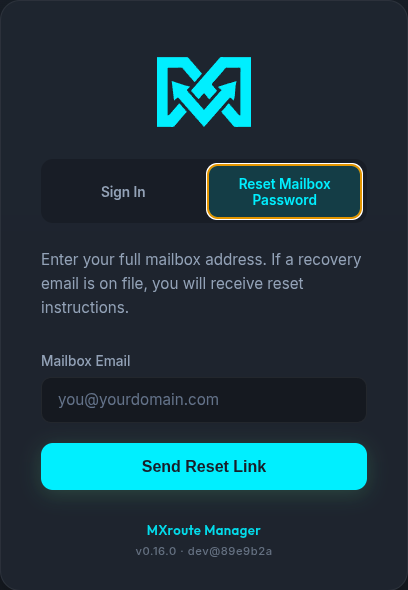
Cyberpunk (cyberpunk)
High-contrast cyan and magenta on near-black.
Sign In
Reset Mailbox Password
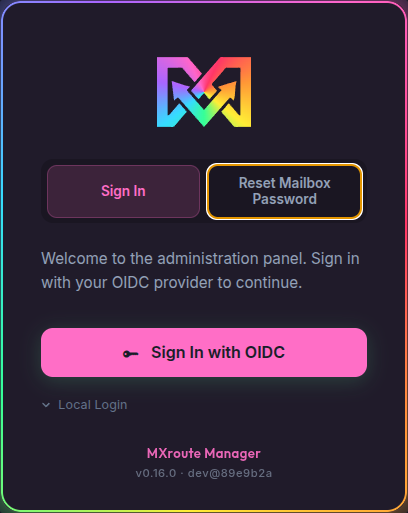
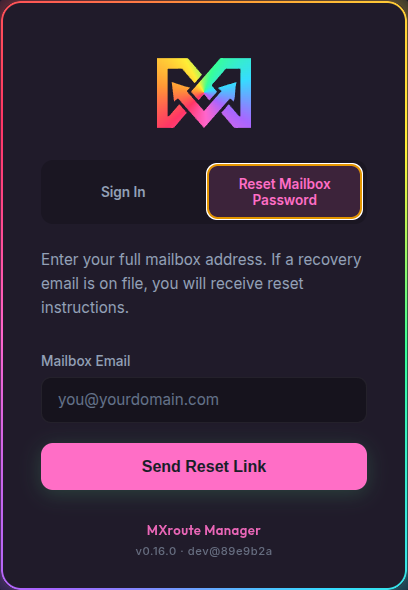
Unicorn Puke (rainbow)
Deep purple-tinted dark surfaces with hot-pink accents. Panel cards get a continuously spinning rainbow outline.
Sign In
Reset Mailbox Password
Light themes
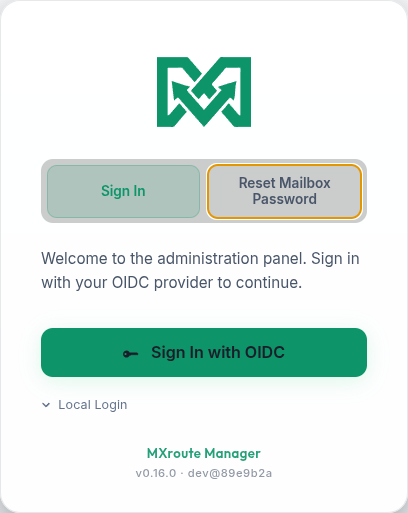
Mint Paper (emerald-light)
Light background with green accents. Good for bright rooms or daytime use.
Sign In
Reset Mailbox Password
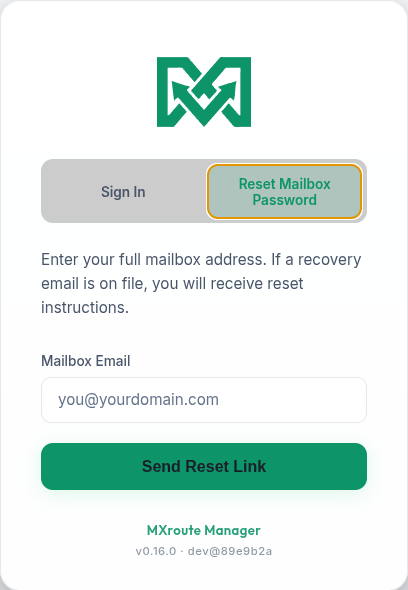
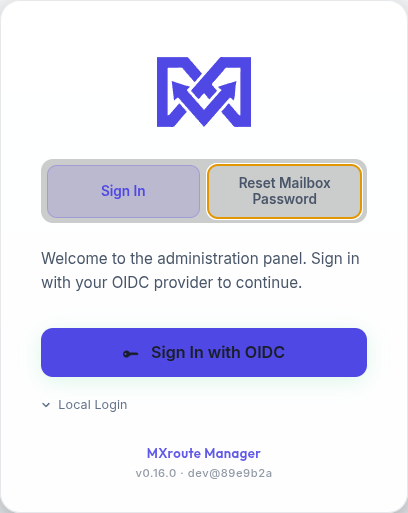
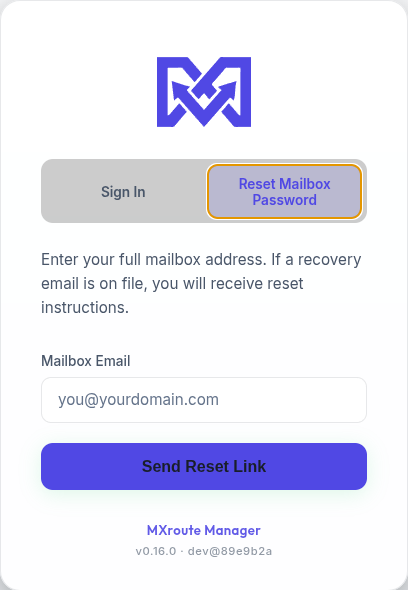
Indigo Day (indigo-light)
Clean white surfaces with indigo buttons and links.
Sign In
Reset Mailbox Password
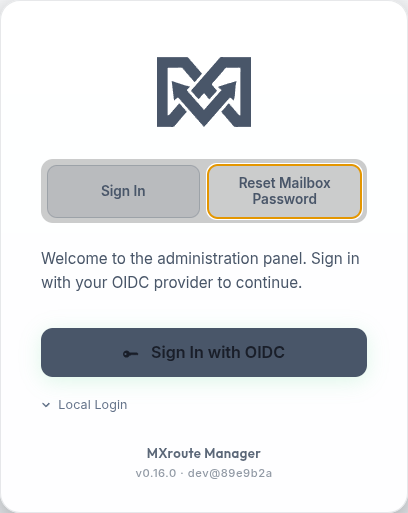
Slate Office (slate-light)
Neutral grey palette, minimal distraction.
Sign In
Reset Mailbox Password
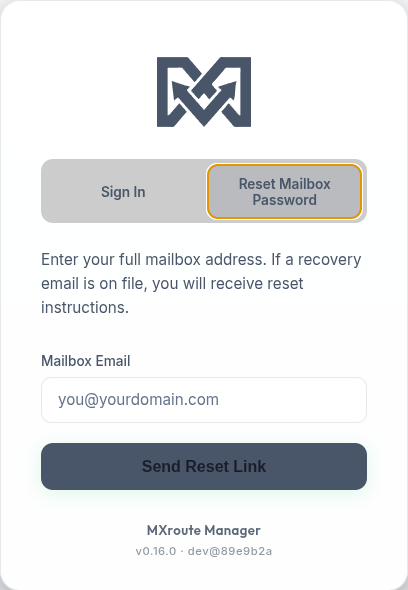
Rose Blush (rose-light)
Light theme with rose-pink accent color.
Sign In
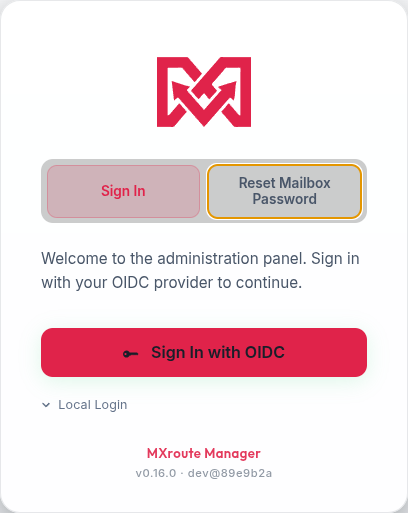
Reset Mailbox Password
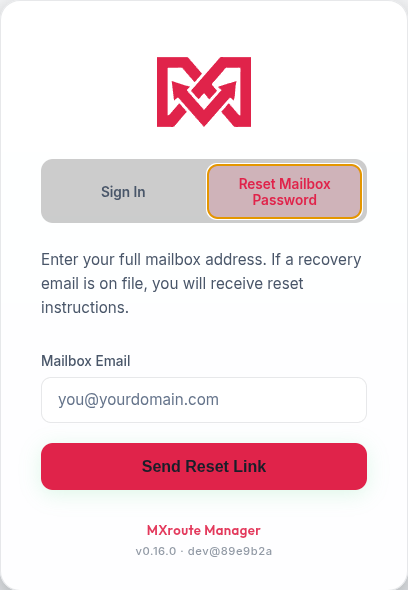
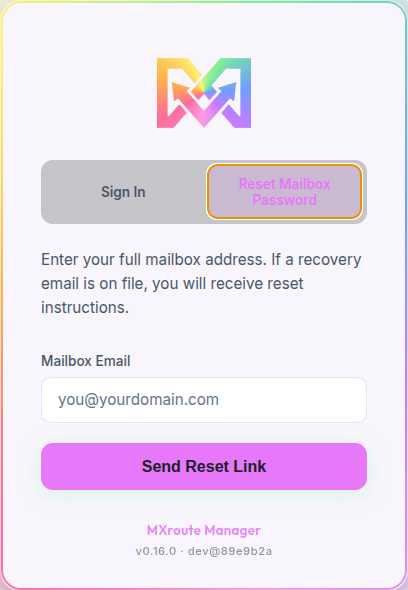
Cotton Candy (rainbow-light)
Light pastel surfaces with animated rainbow card outlines (same family as Unicorn Puke).
Sign In
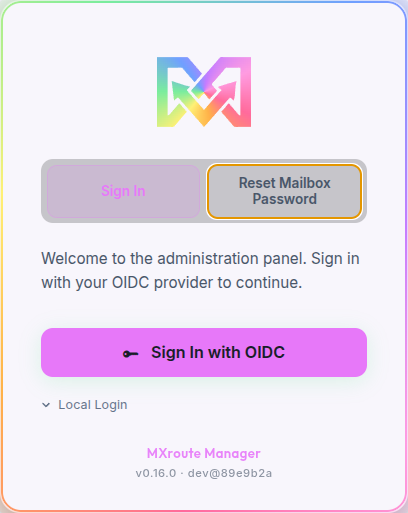
Reset Mailbox Password
Branded reset portals
Themes above apply to the main manager app and its login page. Branded password reset portals (e.g. reset.example.com) use a separate theme chosen per domain under Domains → Password Reset Portal. That public page does not follow your workspace theme.
See Password reset - Branded portals and the App tour - Domains for examples.
Related guides
| Guide | Topic |
|---|---|
| App tour | Main tabs, modals, and dashboard |
| Getting started | First login and setup |
| Password reset | Login-page and branded mailbox reset |