App tour
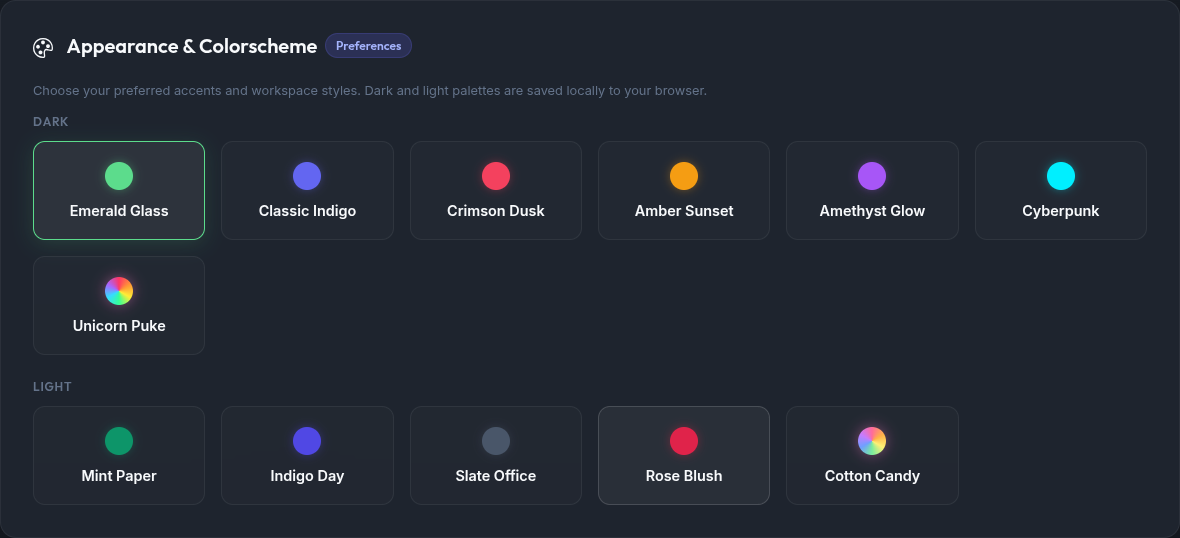
A visual overview of MXroute Manager after login. Screenshots use the Emerald Glass workspace theme unless noted. For all login and theme variants, see Themes.
The global domain selector at the top of most tabs sets which domain you are managing. Dashboard, Email Accounts, Forwarders, and Spam Controls all respect that selection.
Dashboard
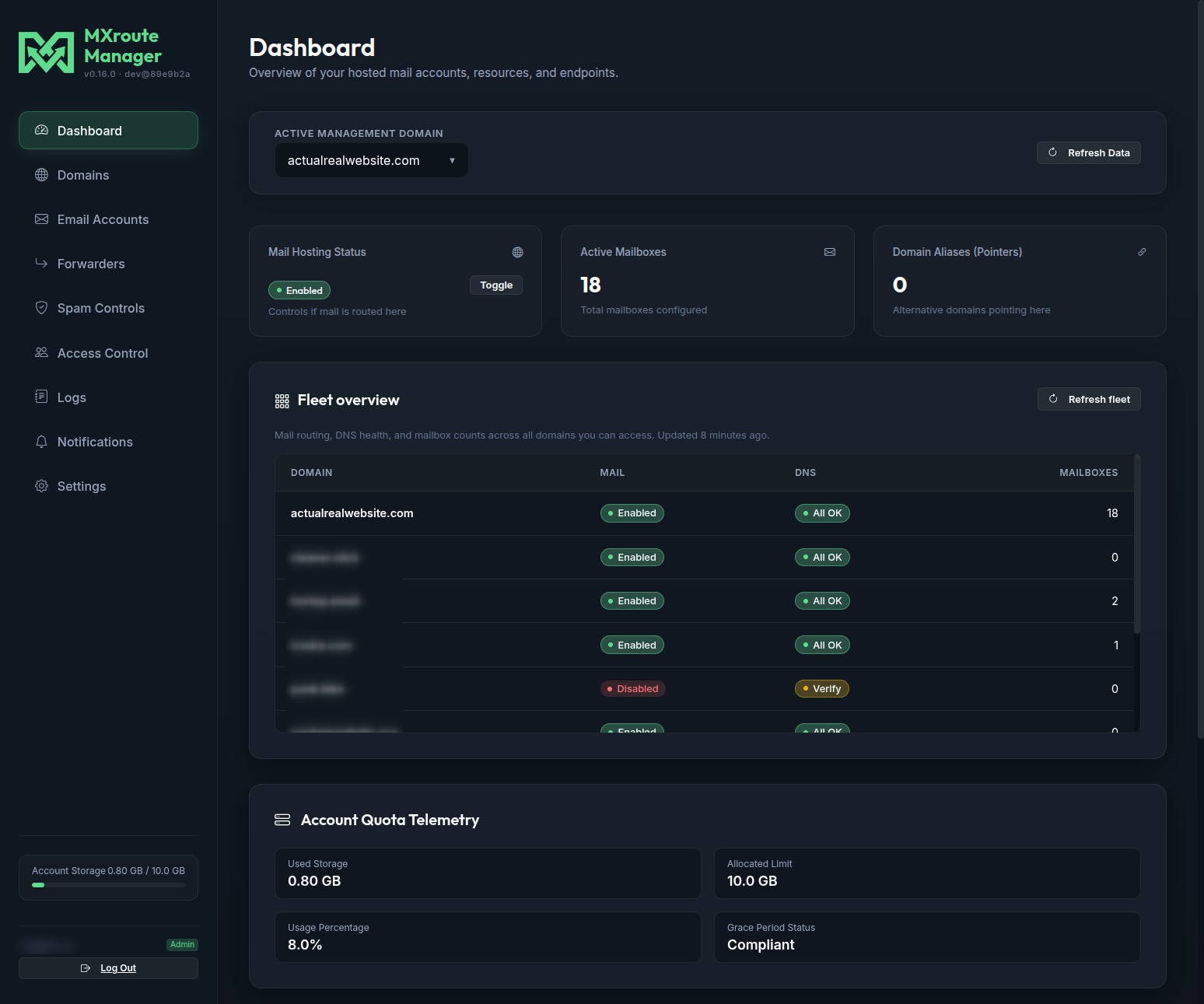
Overview of the active domain: mail hosting toggle, mailbox count, DNS health, and account quota usage. With two or more domains, a Fleet overview table shows mail routing, DNS status, and mailbox counts across the account (click a row to switch domains). Details: Fleet overview.
Domains
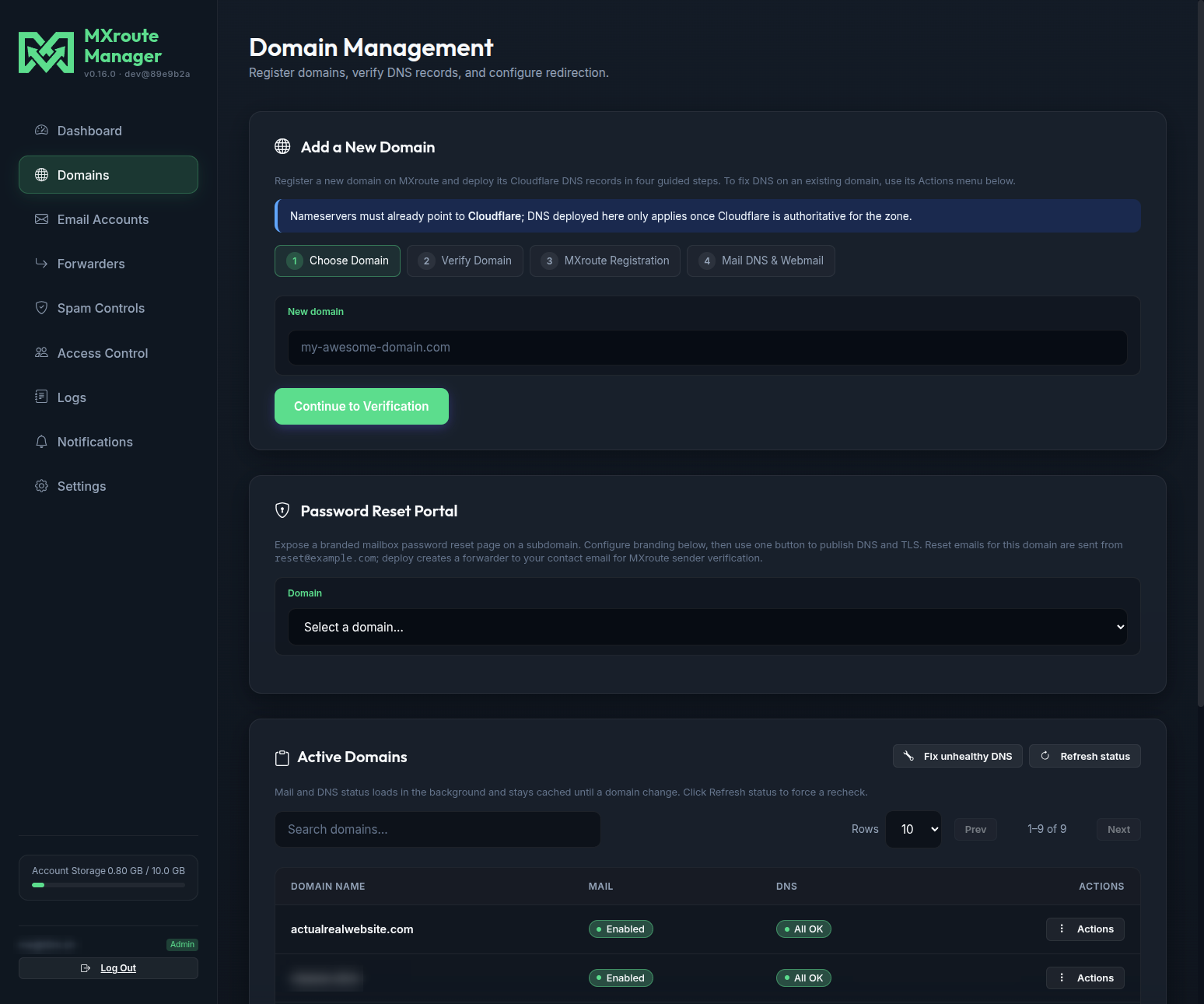
Domain and DNS setup wizard, Active Domains list (search + pagination), bulk DNS fix, and password reset portal configuration. See Adding a domain for the full onboarding walkthrough.
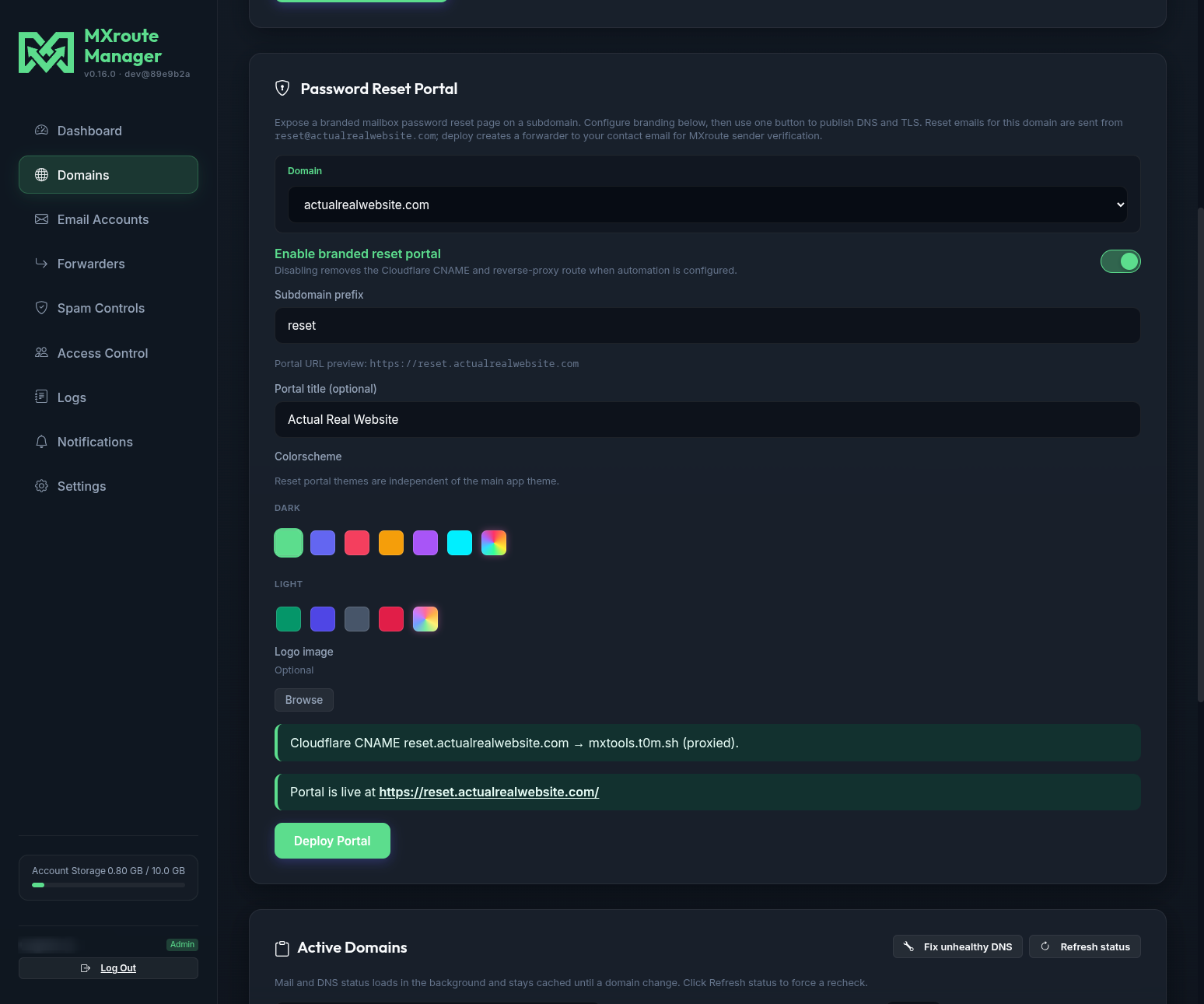
Password reset portal (admin)
Configure a branded reset page on a subdomain. Example from actualrealwebsite.com:
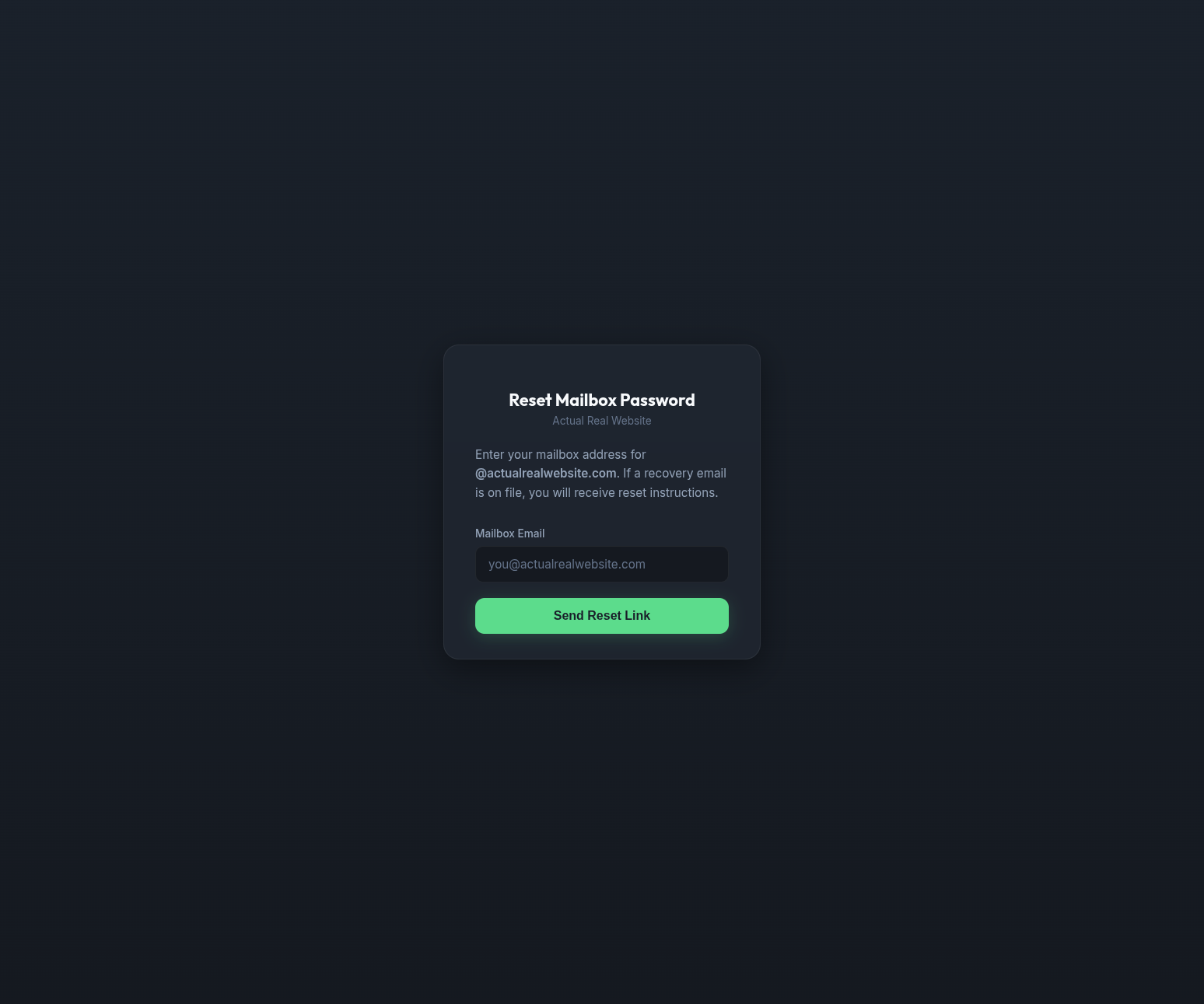
Password reset portal (public)
Live portal served at the subdomain after deploy:
Email Accounts
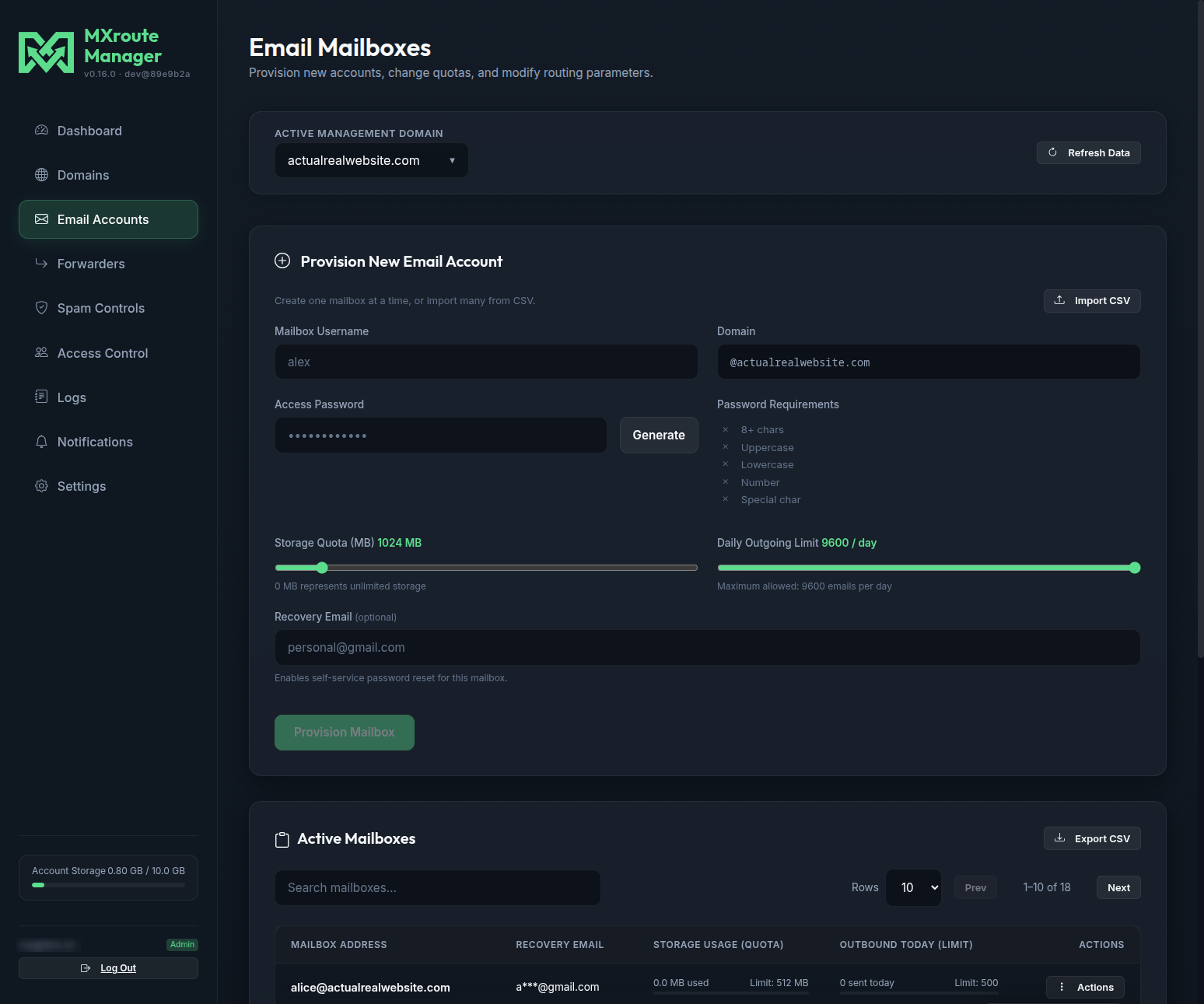
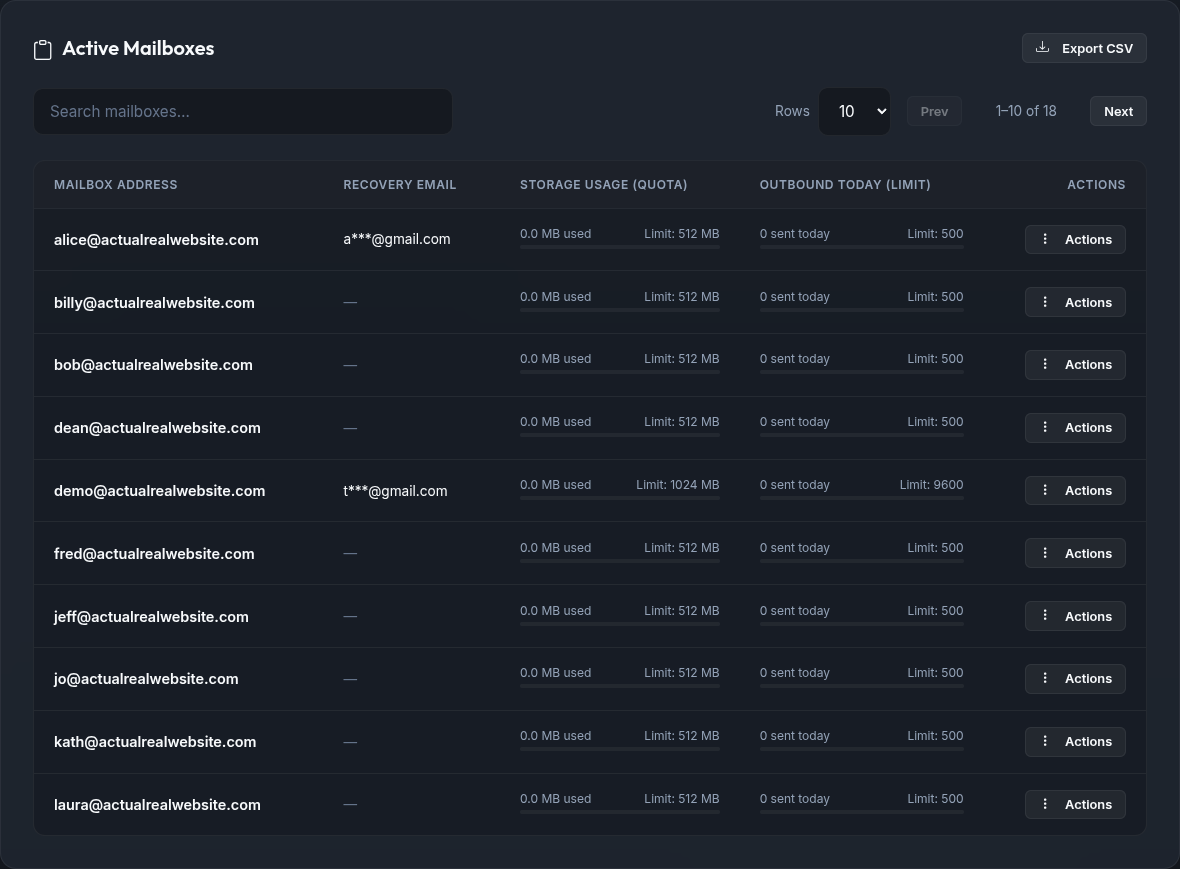
Provision mailboxes, view usage and limits, search and paginate the Active Mailboxes list, import or export CSV, and open per-mailbox actions (including Client setup for IMAP/SMTP settings).
Mailbox actions menu
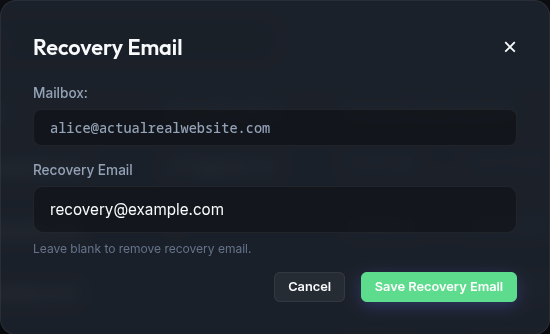
Client setup, recovery email, password, limits, and delete:
Forwarders
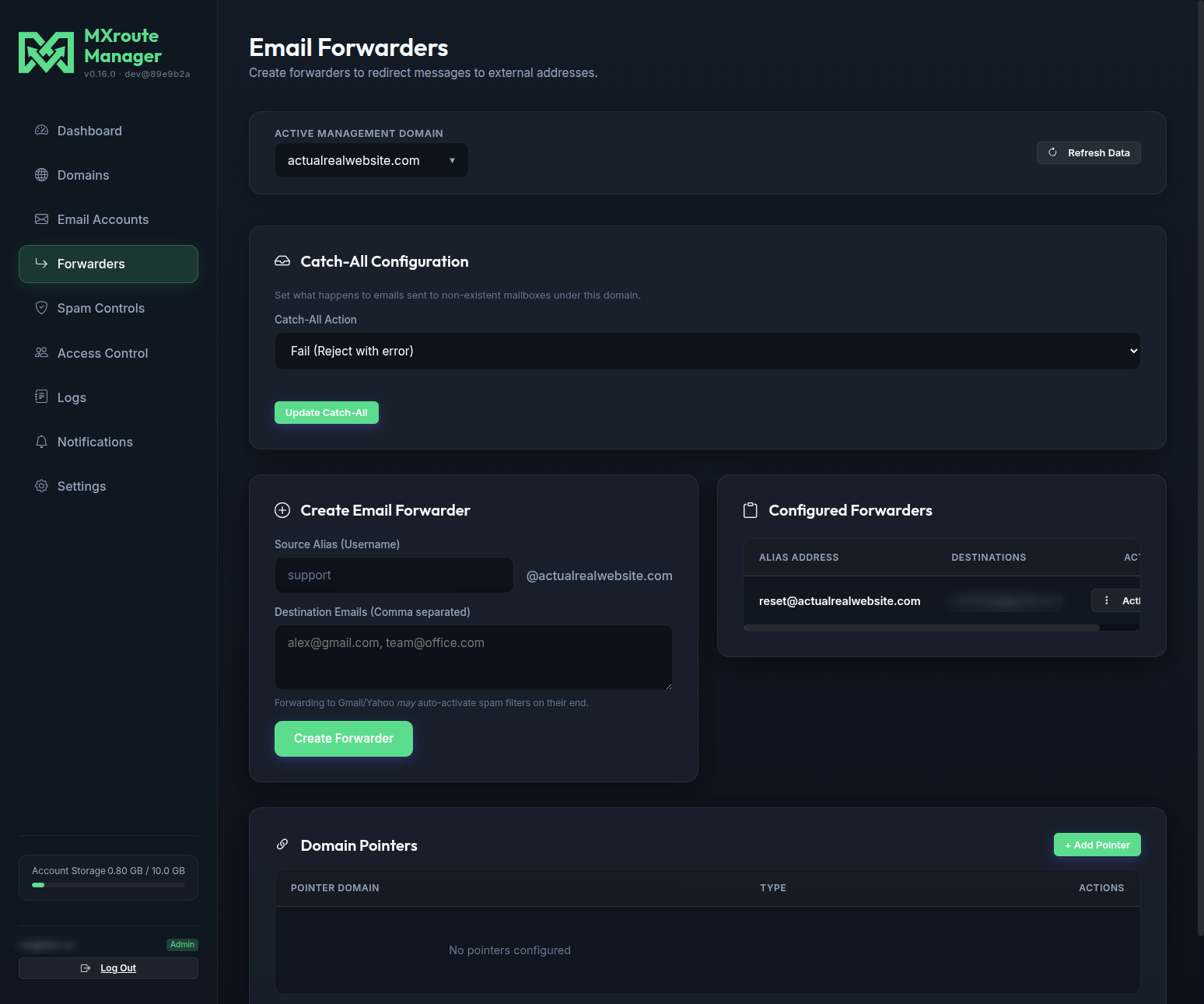
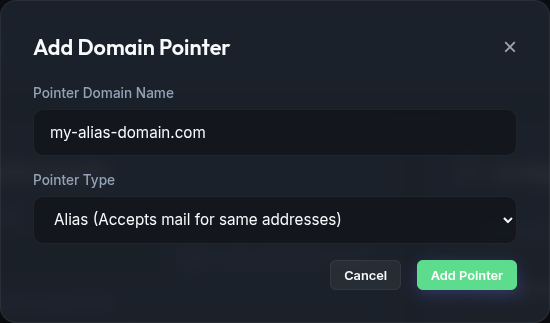
Catch-all routing, alias forwarders, and domain pointers.
Add domain pointer
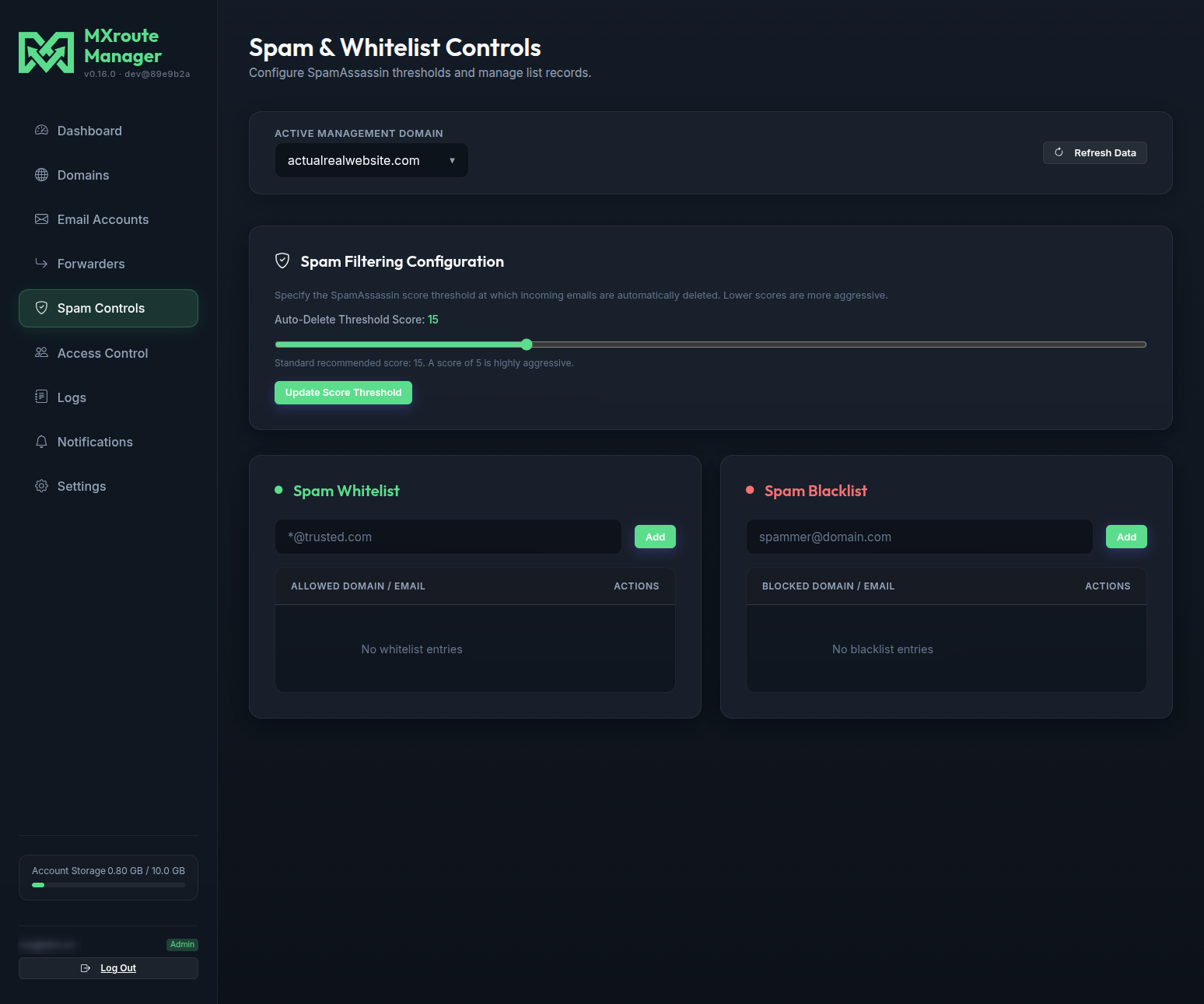
Spam Controls
SpamAssassin threshold, whitelist, and blacklist for the active domain.
Access Control
Create delegated users, assign per-domain permissions, and manage API tokens for automation.
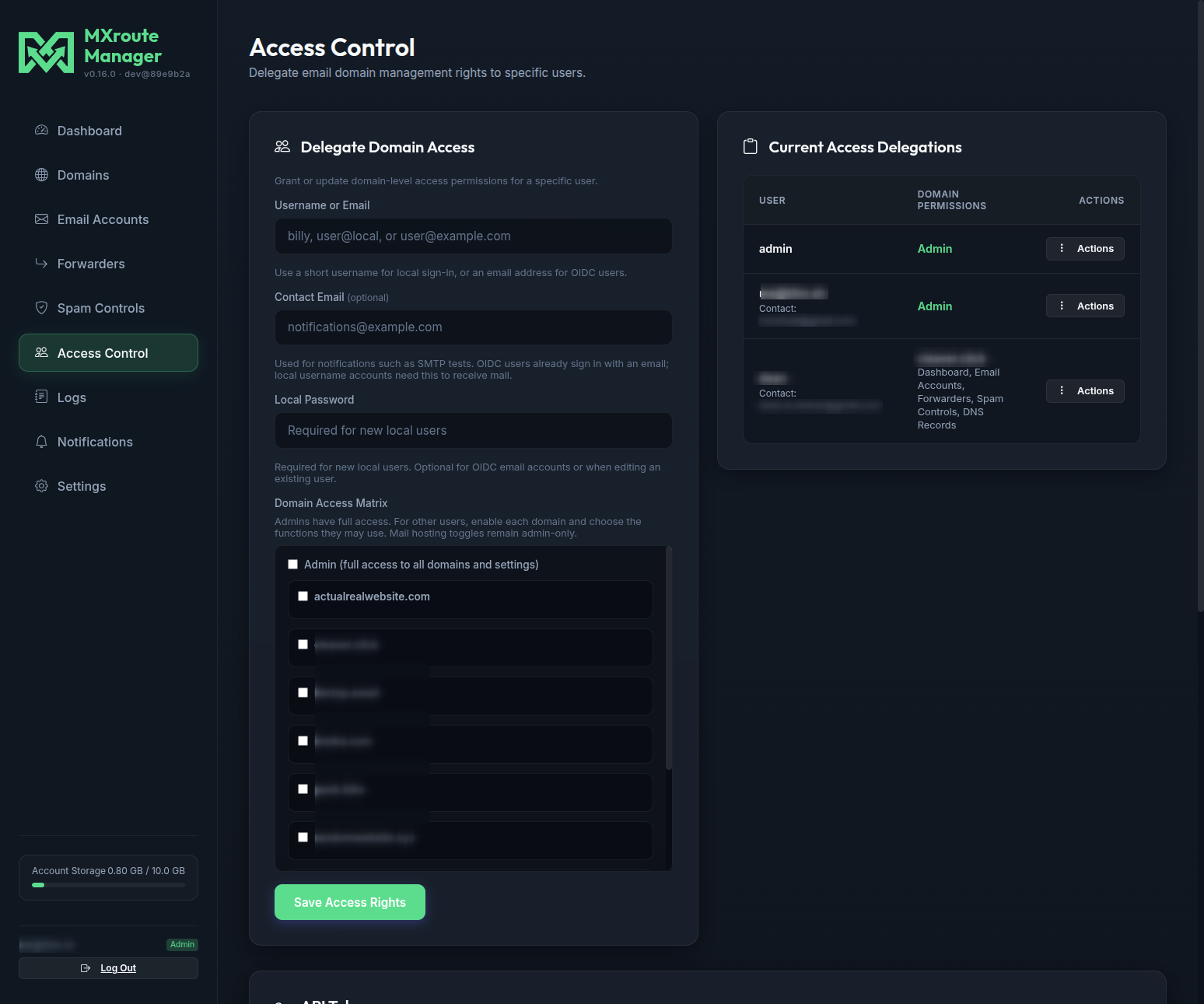
See Access control for permission details and HTTP API for scripting.
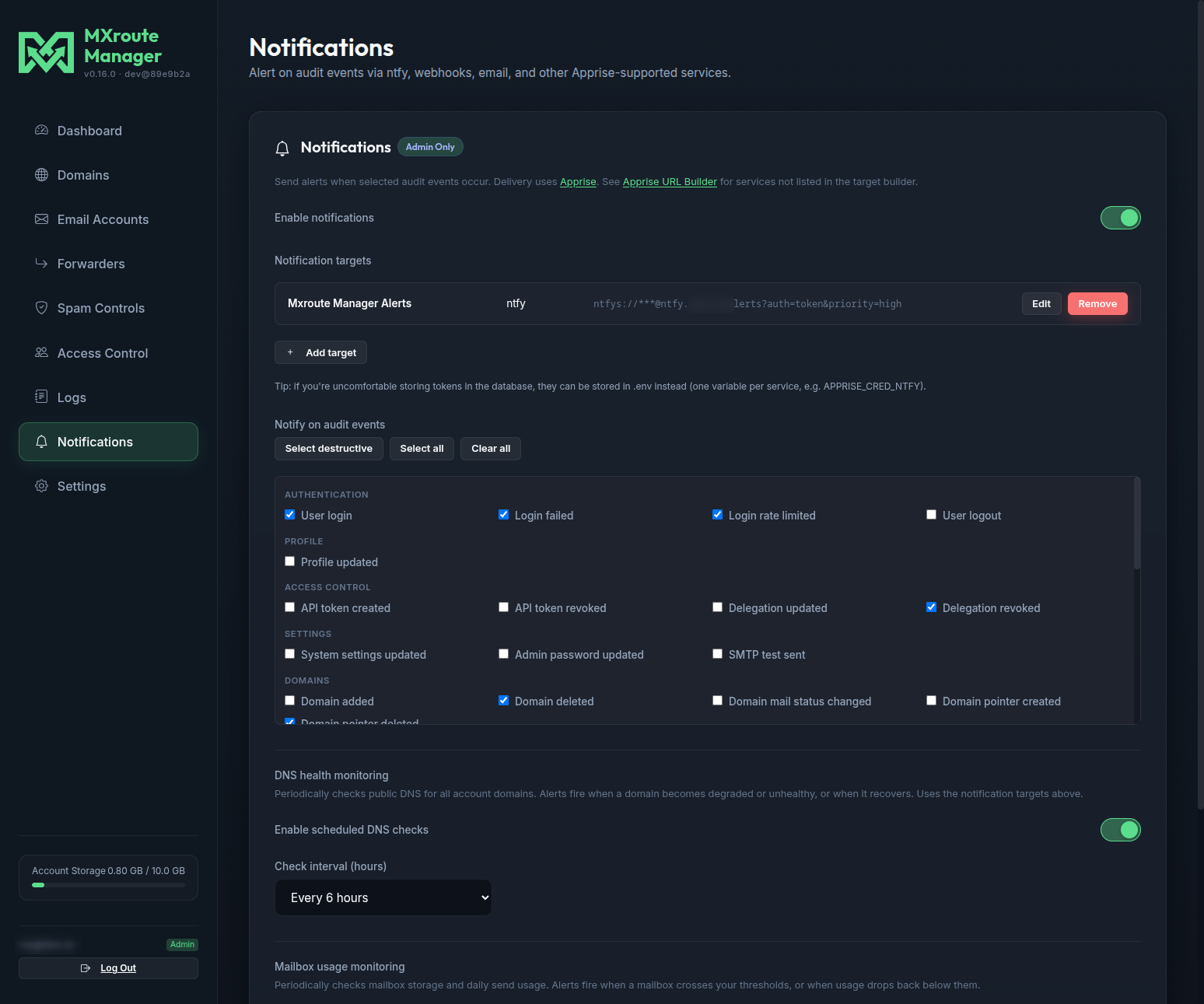
Notifications
Configure Apprise delivery targets, audit event subscriptions, and optional DNS health monitoring (scheduled checks with alert/recovery notifications). See Notifications.
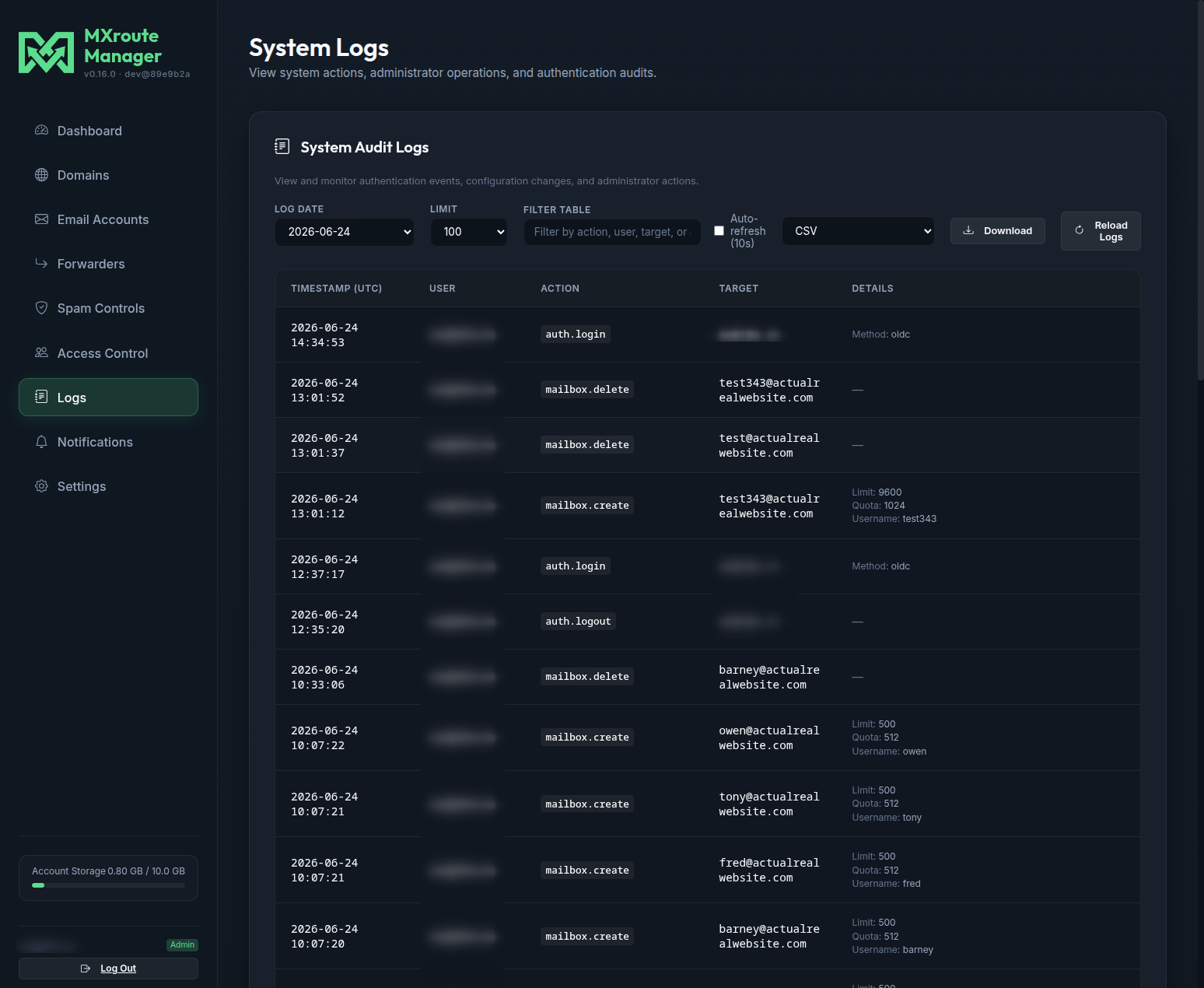
Logs
Audit log of sign-ins, config changes, and admin actions. Filterable, optionally auto-refreshed, and downloadable as CSV or JSONL for the full day. See Audit logs.
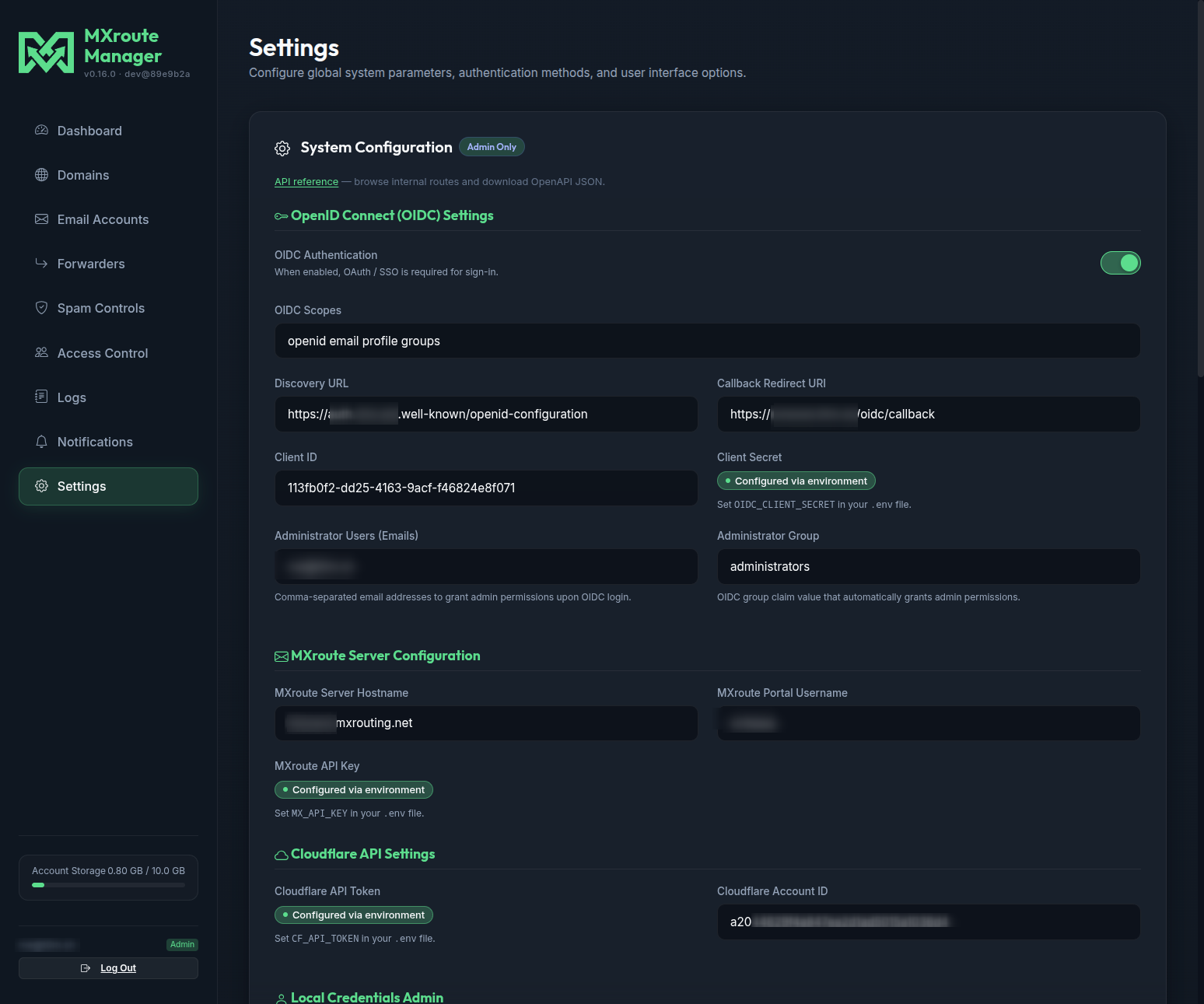
Settings
MXroute and Cloudflare API settings, OIDC, SMTP for mailbox reset, local admin password, API reference link, and theme selection. Field-by-field guide: Settings walkthrough.
Common modals
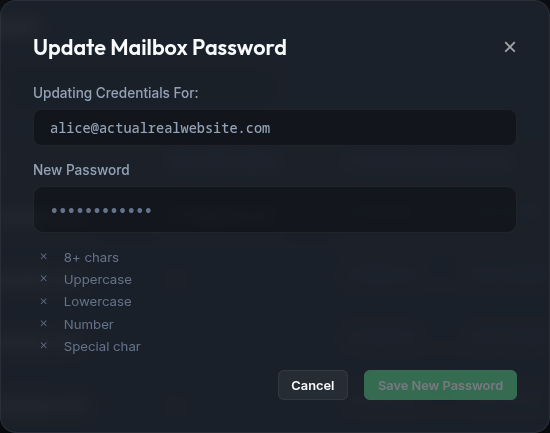
These dialogs appear from Email Accounts and other tabs.
Update password
Recovery email
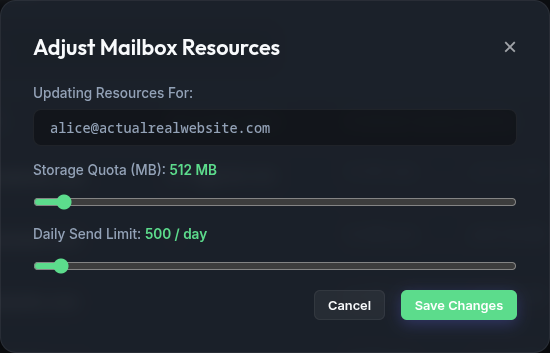
Adjust quota and send limit
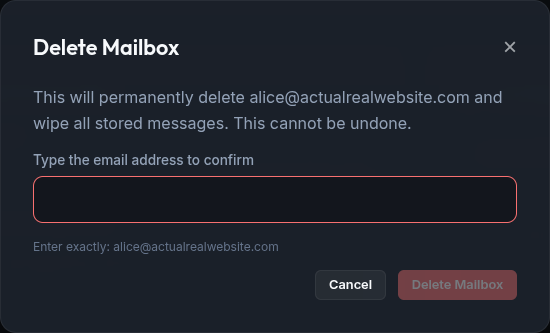
Confirm deletion (typed)
Destructive actions require typing the mailbox address to confirm:
Related guides
| Guide | Topic |
|---|---|
| HTTP API | Bearer tokens and curl examples |
| Themes | All 12 login screen themes |
| Adding a domain | Domain wizard step by step |
| Access control | Delegated users |
| Password reset | Self-service and branded portals |
| Getting started | Install and first login |